Upload the receipt or invoice
Add a photo, screenshot, or PDF from your phone or computer. Keep the original attached to the record.


For landlords
A plumber’s invoice or a hardware-store receipt is easy to misplace once the work is done. Save it in Slipfolio with a note about the property and what you bought.
Start freeProperty details
Use the category for the type of expense, such as repairs or supplies, and add the property address or unit number in the notes. Each receipt has one category, so this keeps the property detail separate from the expense type.
For example: “24 Oak Street, unit 2: parts for the kitchen tap.” Use the same address format each time so the notes are easy to recognize when you review or export the records.
As work gets done
Add a photo, screenshot, or PDF from your phone or computer. Keep the original attached to the record.
Confirm the supplier, date, total, and category. Correct any mistakes in scanned details.
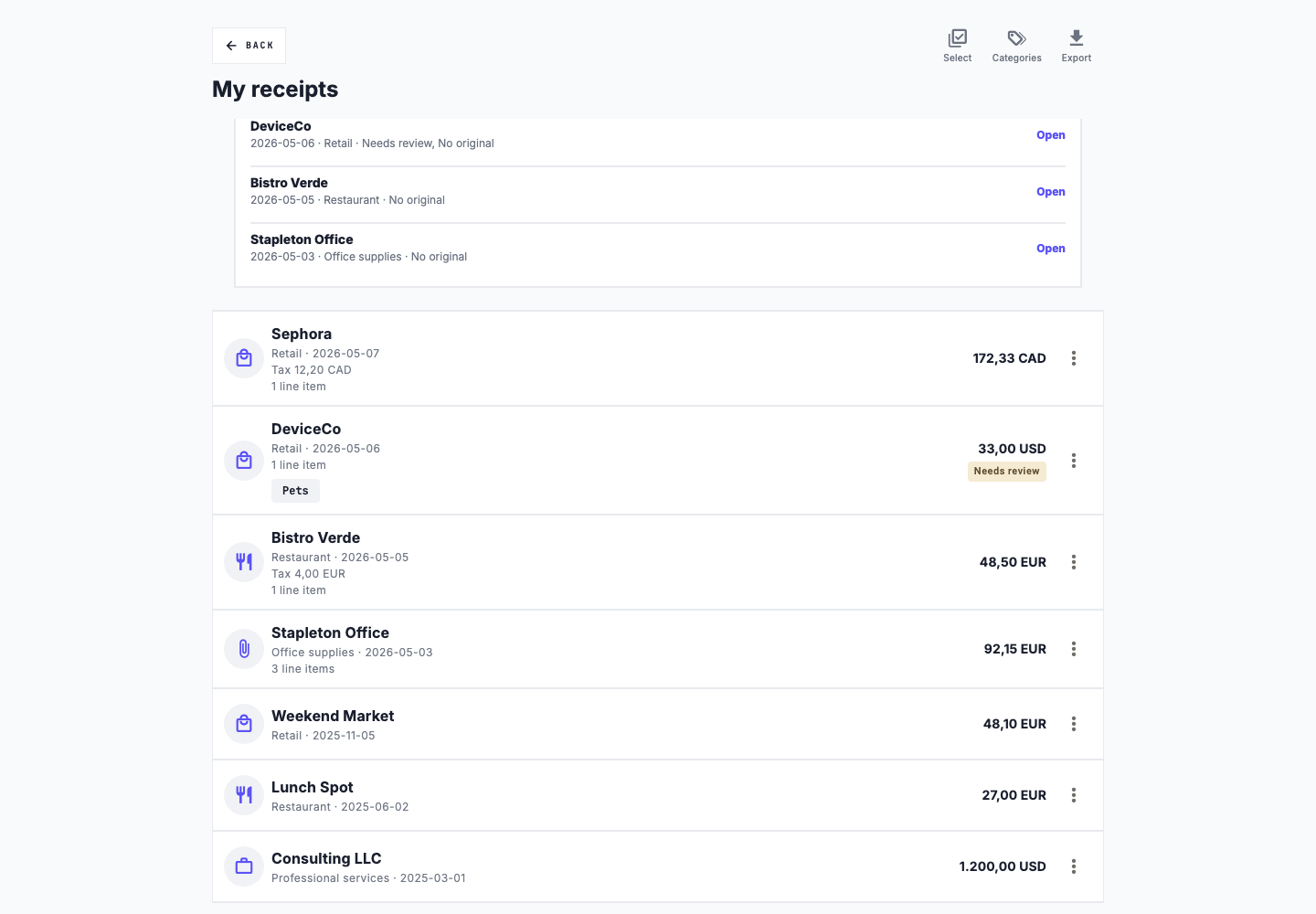
Use the notes to identify the address, unit, and work involved. If a purchase covers several properties, explain the split in the notes; Slipfolio does not allocate costs between properties.
Check for missing originals, incomplete details, and possible duplicates before exporting.
More than one property
Record which property the work was for and keep the contractor’s invoice or supplier’s receipt.
Manually log the date, distance in kilometres, and purpose of a trip. Add the property address in the trip’s purpose field.
On a team plan, give a partner or property manager access to the shared workspace. Agree on how to describe properties and expenses.
When you need your records
Export receipt summaries with notes, or download a yearly ZIP that also includes original files and mileage records. Slipfolio has no dedicated property folders or property-level reports; addresses in notes help identify the expenses you recorded.
Exports are available on paid plans. Compare plans to see what is included.
Slipfolio organizes your records. It does not file taxes or decide which expenses you can deduct.