Save the original receipt
Upload the photo or PDF, rather than keeping only a typed amount or a bank statement entry.


Getting ready for tax time
Keep receipt photos, PDFs, and purchase details together throughout the year. When your accountant asks for your records, you can review what is there, fill in the gaps, and export the year you need.
Start freeFind what needs attention
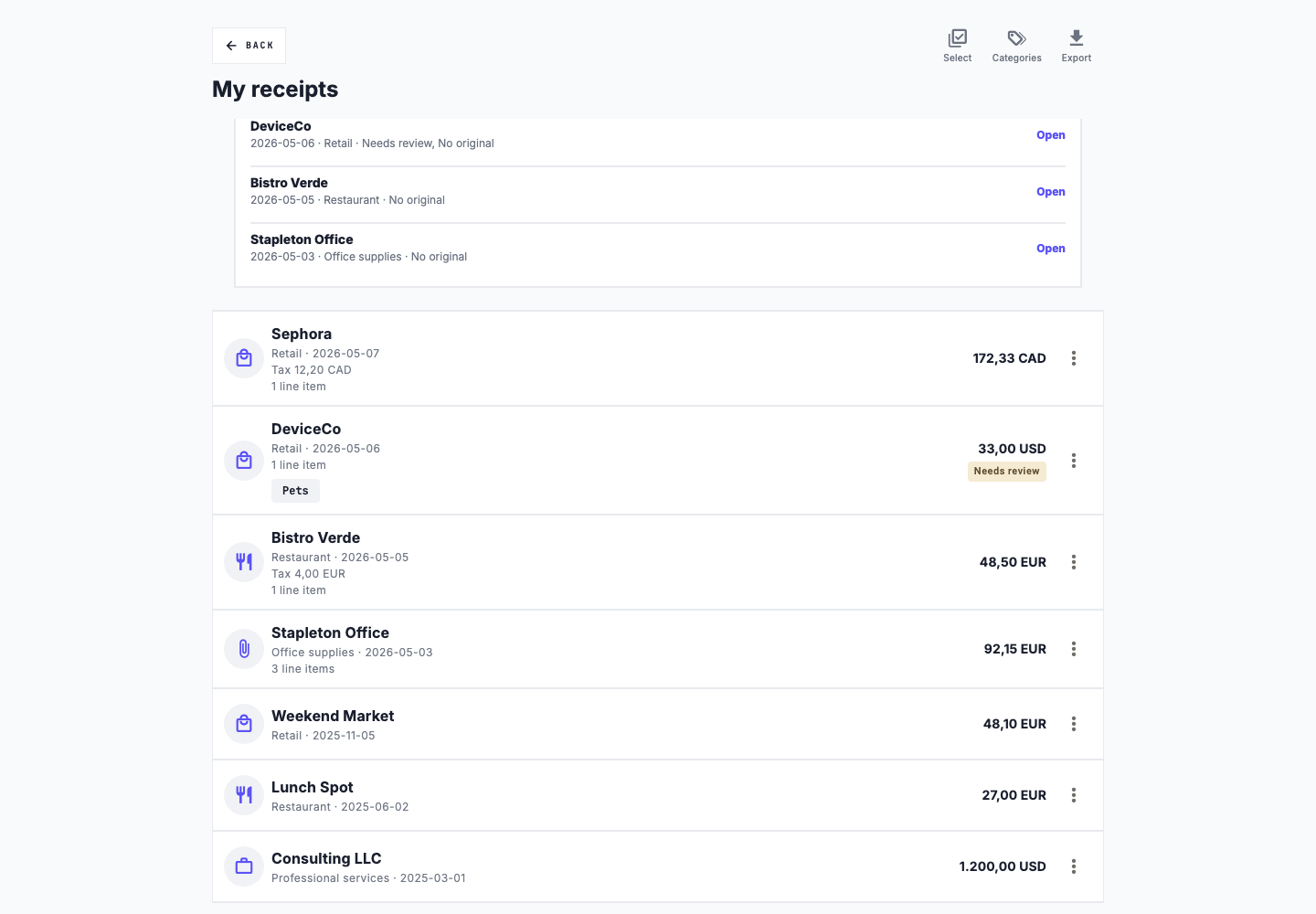
Slipfolio flags receipts with missing dates, amounts, categories, or original files. It also shows possible duplicates and receipts that still need review. You decide what needs correcting.
A simple routine
Upload the photo or PDF, rather than keeping only a typed amount or a bank statement entry.
Confirm the merchant, purchase date, total, currency, and category. Add a note if the business purpose is not obvious.
Receipt dates determine the year used in filters and exports. Correct a wrong date before preparing your files.
Attach missing files, complete the details, and review possible duplicates. A flag points out something to check; it does not tell you whether an expense is deductible.
Choose the files you need
Export receipt details in a spreadsheet for sorting and review.
Create a report your accountant can read without opening the app.
Download a yearly package with summaries, original receipts, mileage records, and a list of items that need attention.
When you need your records
Check the selected year and any outstanding receipt issues before downloading. Your accountant can use the summaries to review your expenses and open the originals when they need more detail.
Exports are available on paid plans. Compare plans to see what is included.
Slipfolio organizes your records. It does not file taxes or decide which expenses you can deduct.