Save receipts as you go
Upload each receipt when you have it, from your phone or computer.


For small businesses
A supplier invoice in email. A paper receipt in the van. A receipt on someone else’s phone. Bring them into Slipfolio so you can see what you have and find what is missing.
Start freeReceipt capture
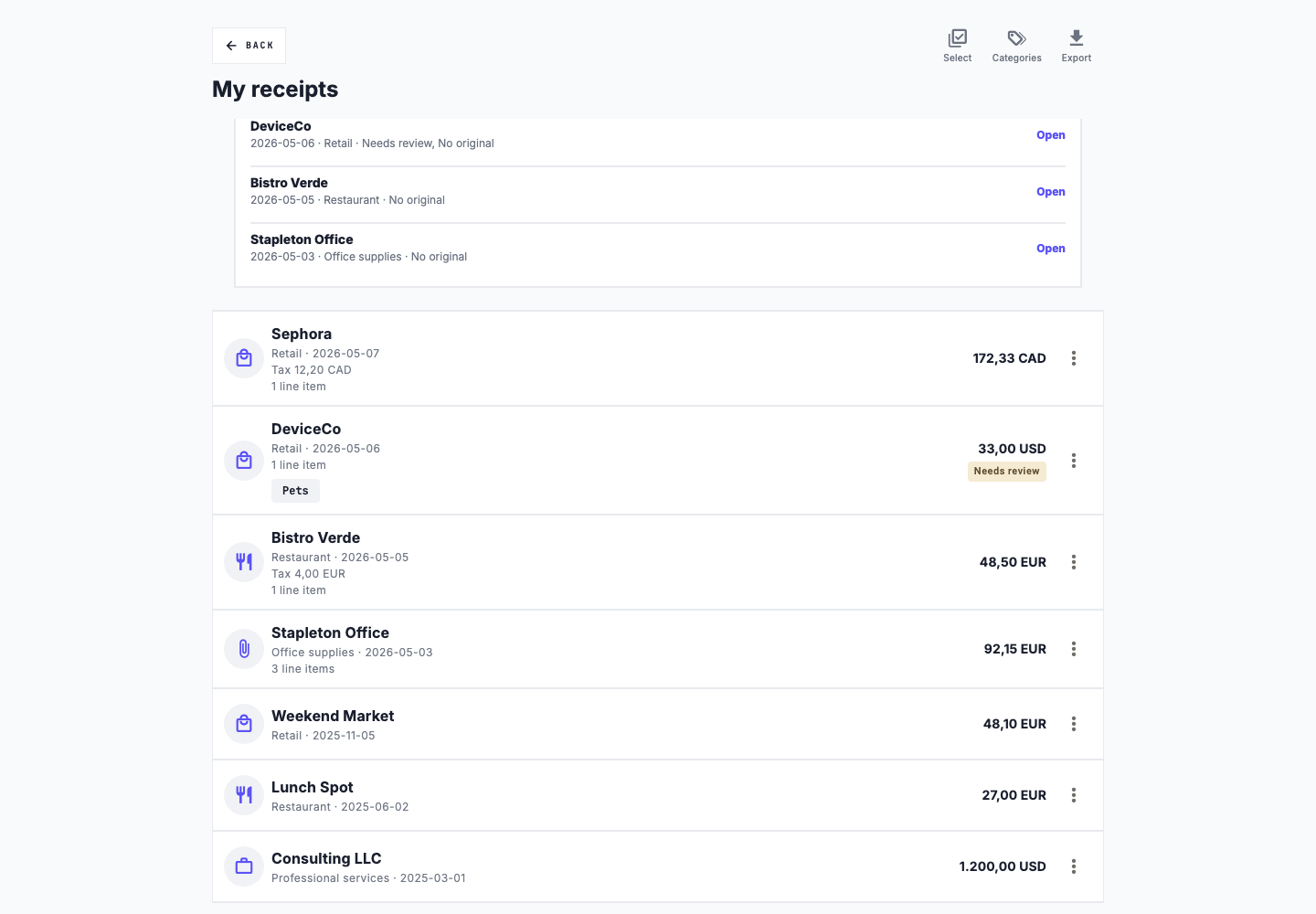
Upload a photo, screenshot, or PDF. AI scanning can fill in receipt details such as the merchant, date, total, and category. Review the result, correct any mistakes, and save it with the original file attached.
Working with a team
On a team plan, invite the people who handle purchases to a shared workspace. They can add receipts to the same collection, so you do not have to gather files from everyone before reviewing the year.
A routine you can keep
Upload each receipt when you have it, from your phone or computer.
Confirm the merchant, date, total, currency, and category. Keep any useful explanation in the notes.
Look for incomplete receipts, missing originals, and possible duplicates.
Add vehicles, then manually enter trips and odometer readings in kilometres. Mileage records can be included in the yearly export.
When you need your records
Choose a spreadsheet or PDF summary, or download a yearly ZIP with original receipts, summaries, mileage records, and review details. You can organize the supporting files here while keeping your existing bookkeeping process.
Exports are available on paid plans. Compare plans to see what is included.
Slipfolio organizes your records. It does not file taxes or decide which expenses you can deduct.