Choose your vehicle
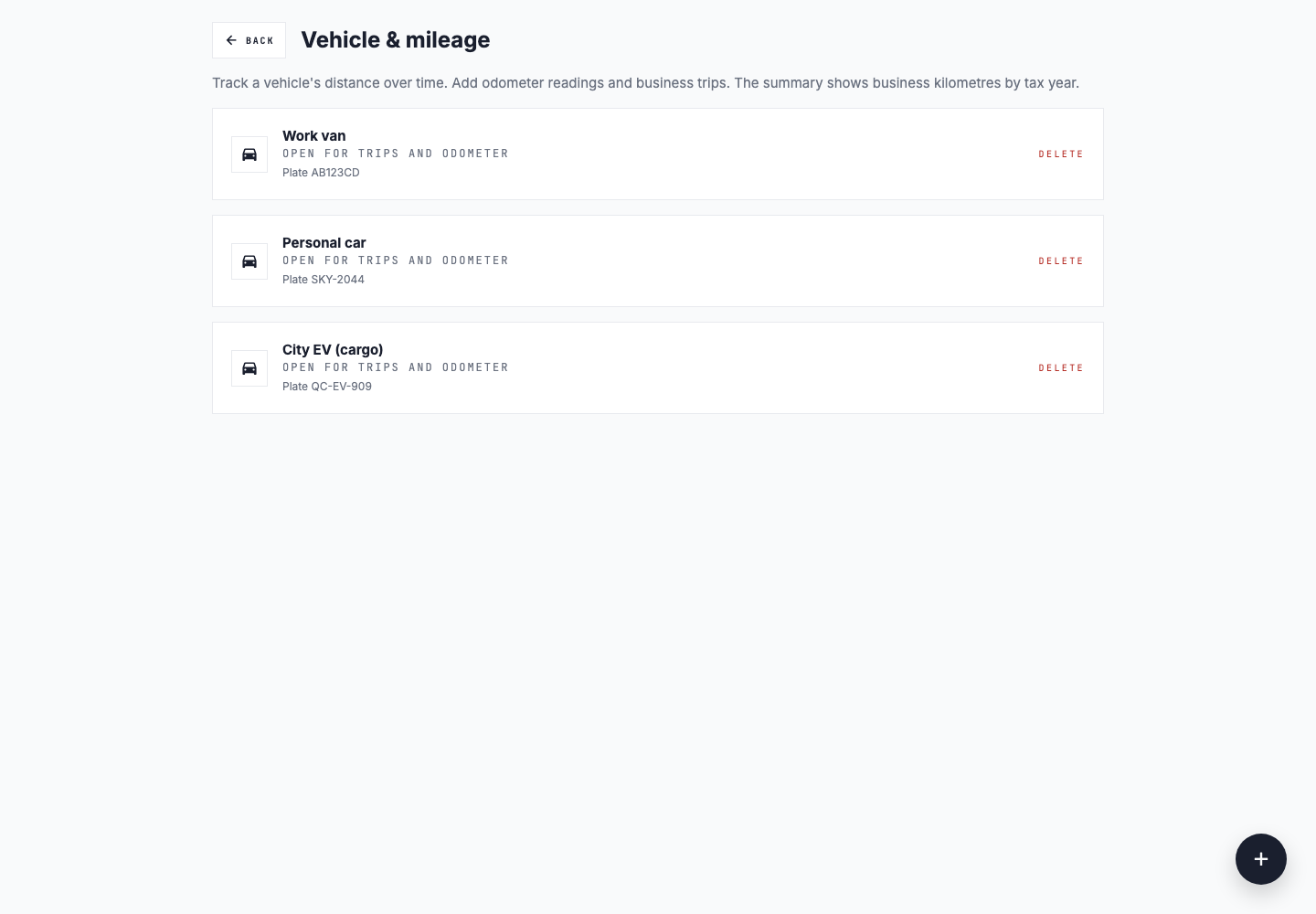
Add the car you use for work. Trips and odometer readings are saved under that vehicle.


For rideshare and delivery drivers
Save fuel, parking, car wash, and equipment receipts in one place. Add your business trips to a manual mileage log so you have your own record of the work you drive for.
Start freeAfter a shift
Add the car you use for work. Trips and odometer readings are saved under that vehicle.
Record the date, distance in kilometres, and purpose. Use the purpose field to note the platform or work the trip relates to.
Upload photos or PDFs for purchases such as a delivery bag, phone mount, fuel, or parking. Add a note if a purchase needs explaining.
Review trip distances and dates, and look for missing receipt files before exporting.
Working across apps
If you drive for more than one platform, you can enter those trips in the same vehicle log. Slipfolio does not connect to Uber, Lyft, DoorDash, or other driving apps, and it does not import their trip histories.
Trip entry is manual. There is no background GPS tracking, and distances are recorded in kilometres.
The records you save
Save the date, distance, and reason for each trip you record. Check with your tax preparer if you are unsure which driving to include.
Add dated readings to your vehicle log. These give you a record of the distance between readings alongside the business trips you entered.
Keep the original receipt attached to its details. You can come back to it when reviewing a purchase or answering a question.
When you need your records
Download your vehicle log as CSV or PDF. Receipt summaries are exported separately, or you can download a yearly ZIP that includes both receipt and mileage records. Your tax preparer can use these alongside the statements from your driving platforms.
Exports are available on paid plans. Compare plans to see what is included.
Slipfolio organizes your records. It does not file taxes or decide which expenses you can deduct.